
JS rendering
Extract data from dynamic, JS-heavy sites with full rendering support.

Agent Browser scraping is built to support interaction with even the most complex websites, delivering market-leading success rates – no surprise fees, ever.
Advanced browser automation in every plan
Simple plug-and-play integration for quick setup
Scalable and cost-effective for any workload
Dynamic CAPTCHA management for reliable access
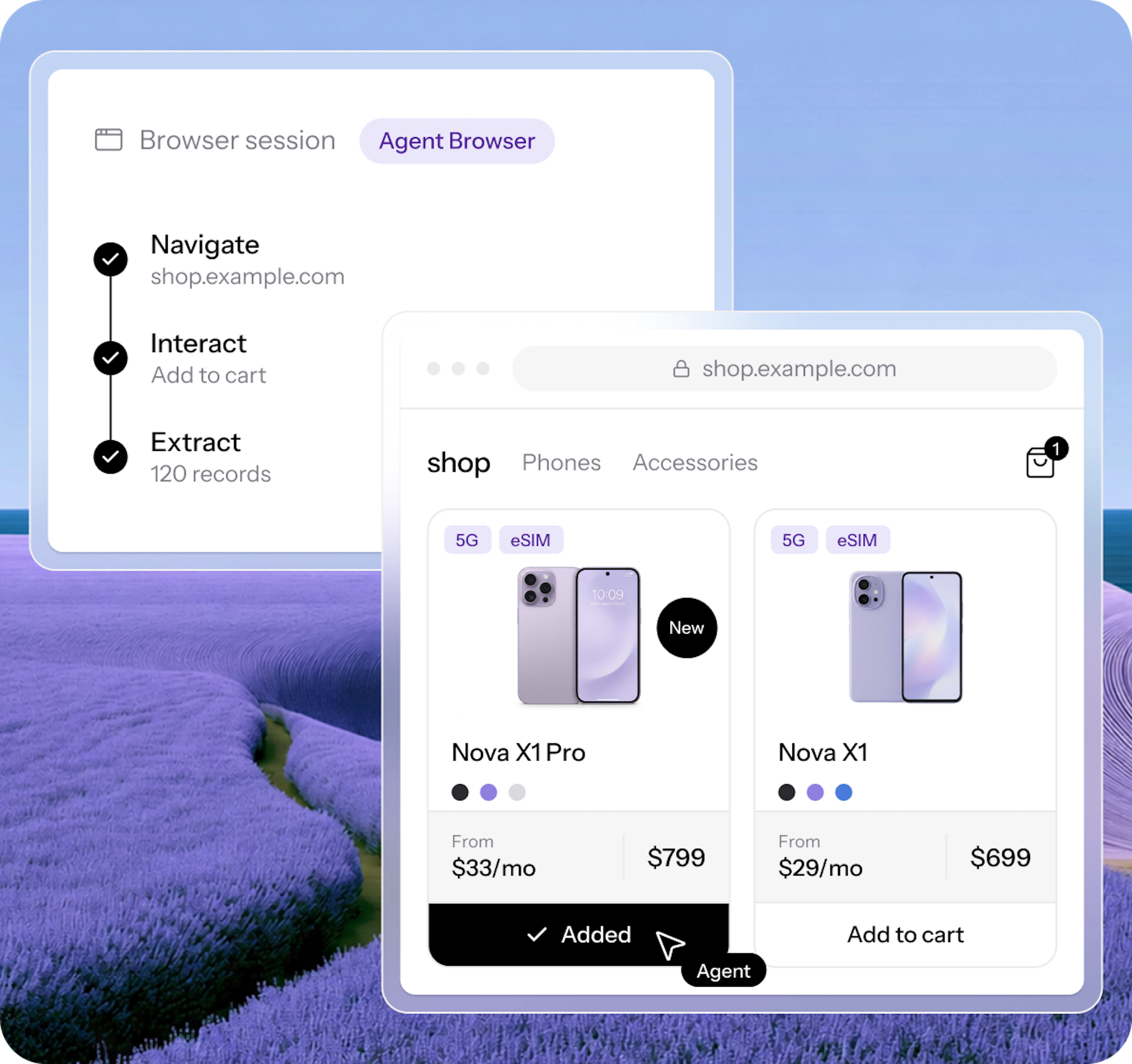
Extract data from dynamic, JS-heavy sites with full rendering support.

Works with Puppeteer, Playwright, CDP tools, and MCP for Claude & Cursor.

Access 175M+ premium residential proxies with country, city, and state geo-targeting.

Run at scale in the cloud – no browser setup, servers, or proxy management.

Get real-time visual access to the browser automation sessions.
Agent Browser delivers a production-ready browser environment optimized for interaction with modern websites at scale.
Emulates browser behavior
Advanced CAPTCHA management
Supports dynamic content rendering
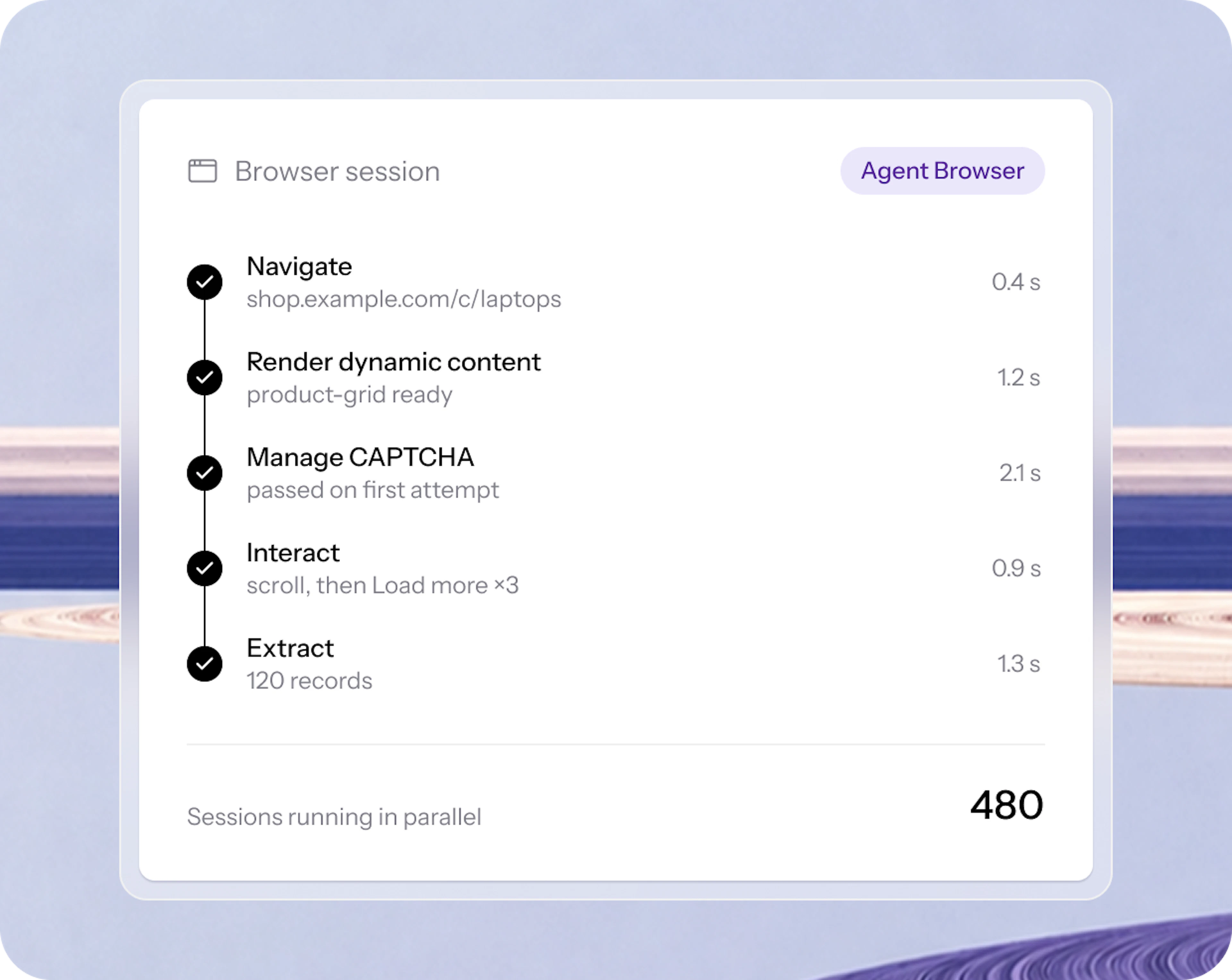
Automate browsing and data extraction with AI agents like Claude, Cursor and other MCP clients via Agent Browser and MCP integration:
No browser setup needed
Works with Claude Desktop, Cursor, and other MCP clients
Built-in request management
Agent Browser runs on our backend – no local browser infrastructure required. Powered by Oxylabs' Residential Proxies for high concurrency, with support for both human and AI control via MCP.
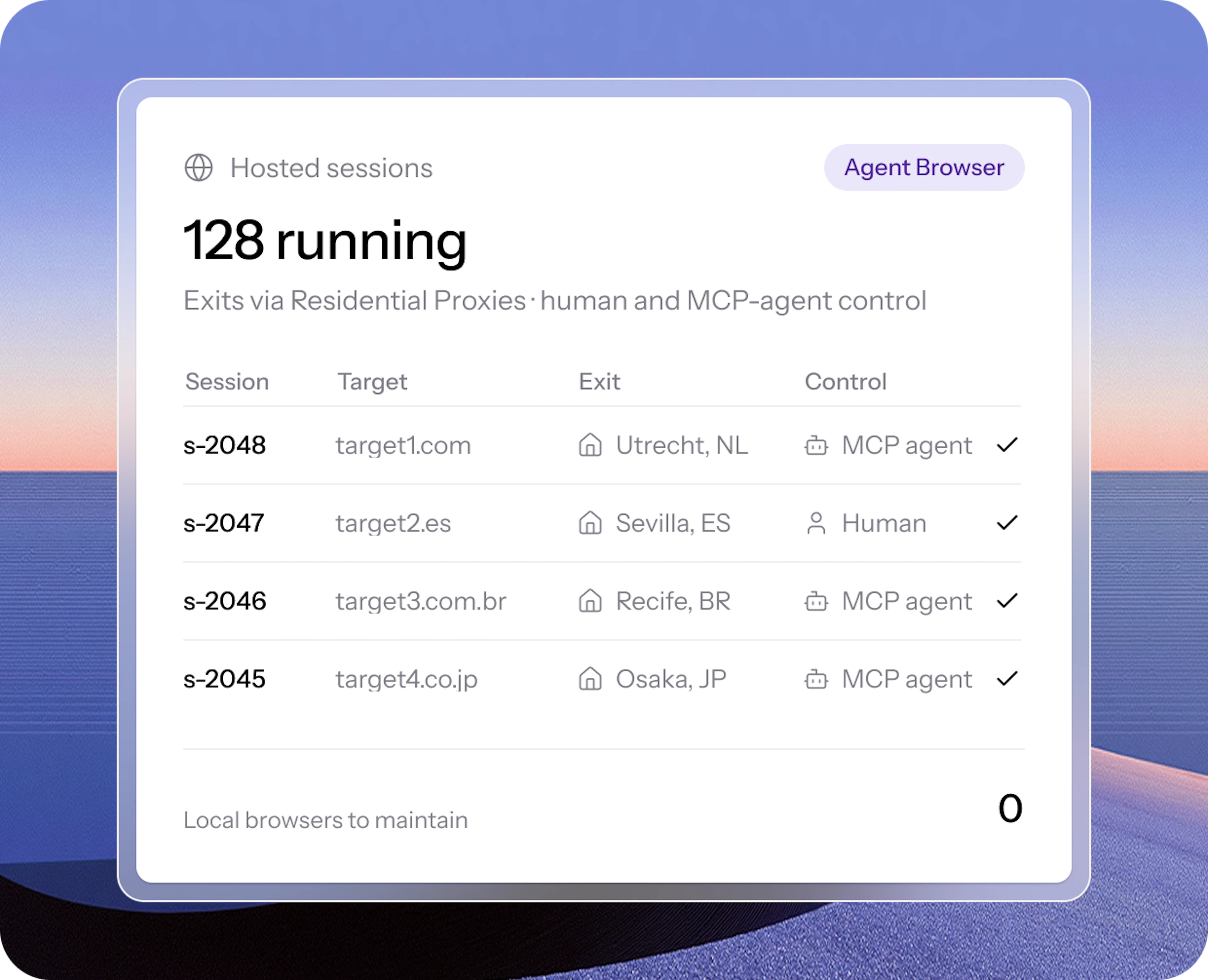
Maintenance-free browsing infrastructure.
Single subscription. All product access.
Welcome credits
FREE
Starter
$30/mo
Basic
$100/mo
Flexible
$500/mo
Enterprise
Custom
Agent Browser
$8/GB
Up to 0.6 GB
$8/GB
Up to 3 GB
$7.5/GB
Up to 13 GB
$5.5/GB
Up to 90 GB
$4/GB
625+ GB
Can't find the plan that suits your business case? Explore more options
Plug & play integration
JavaScript rendering
AI-controlled browsing
Scalable & cost-effective
CAPTCHA management
Largest IP pool included
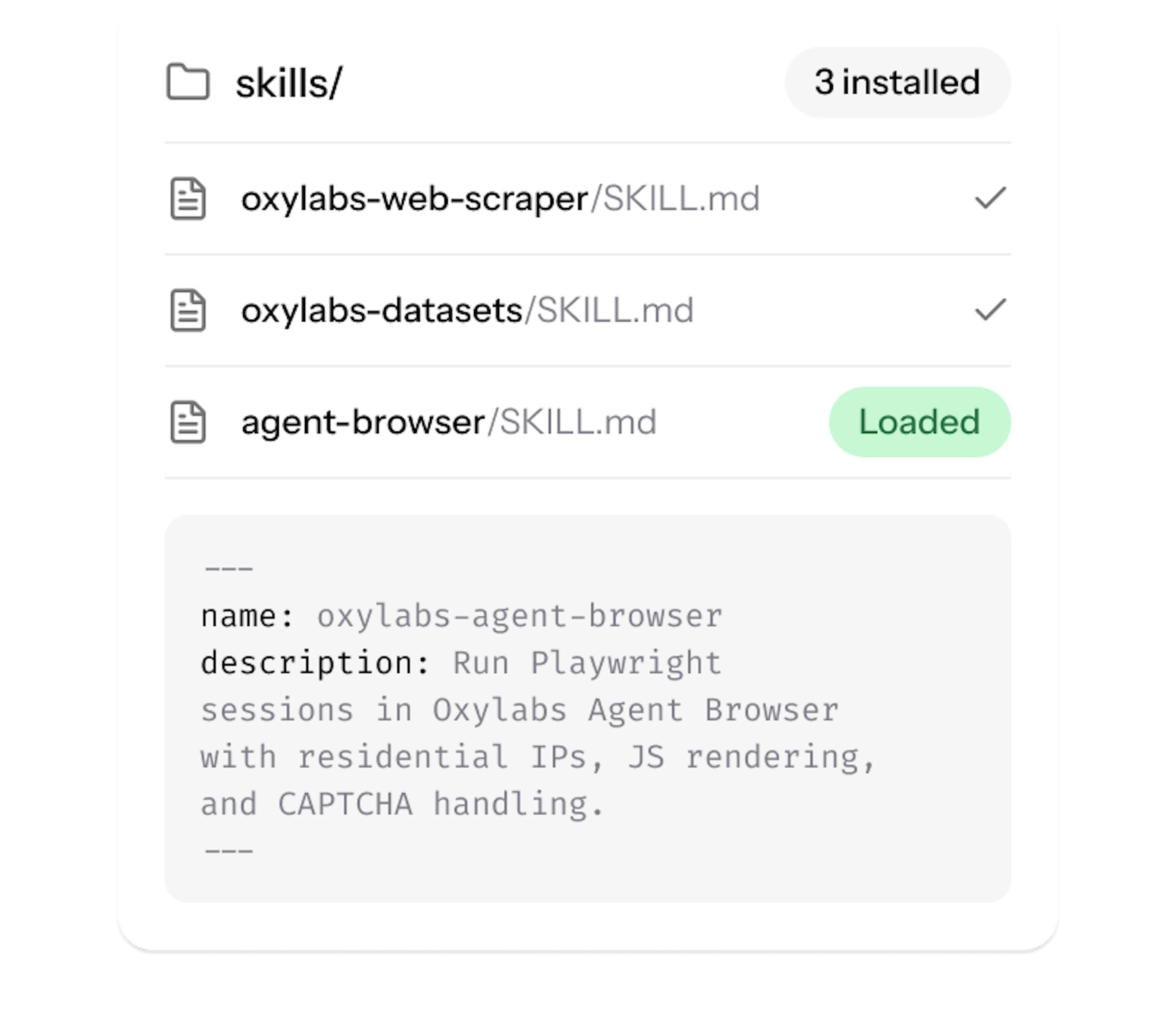
Skip the manual setup. The Oxylabs Agent Skills teach your AI agent to scrape through the Agent Browser. Add it once, then just describe the job. Works with Claude, Cursor, Copilot, and more.
Open the Agent Skills repository1. Add Agent Skills
Drop our SKILL.md files into your AI agent.
2. Describe the task
Explain what you need in plain language.
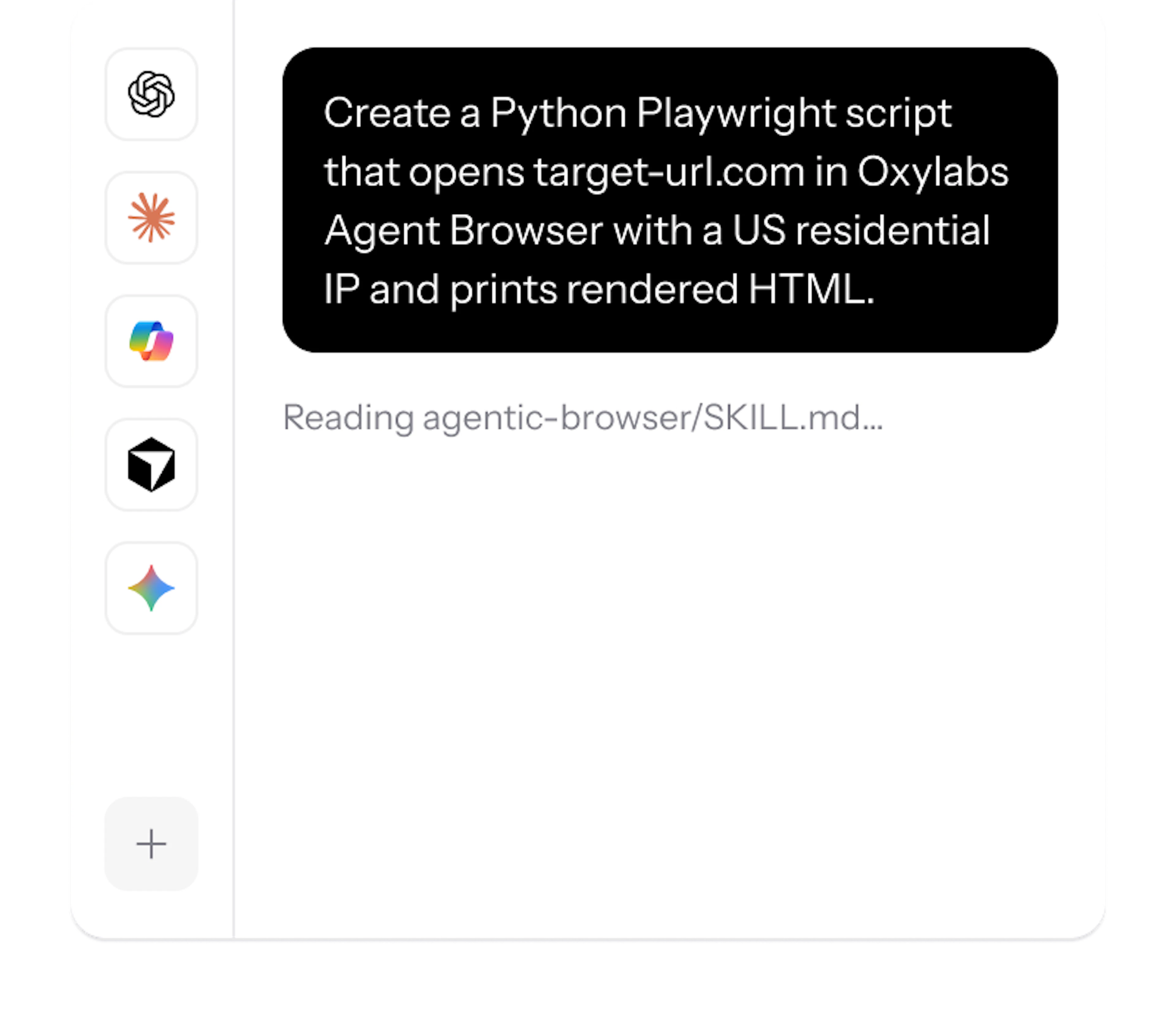
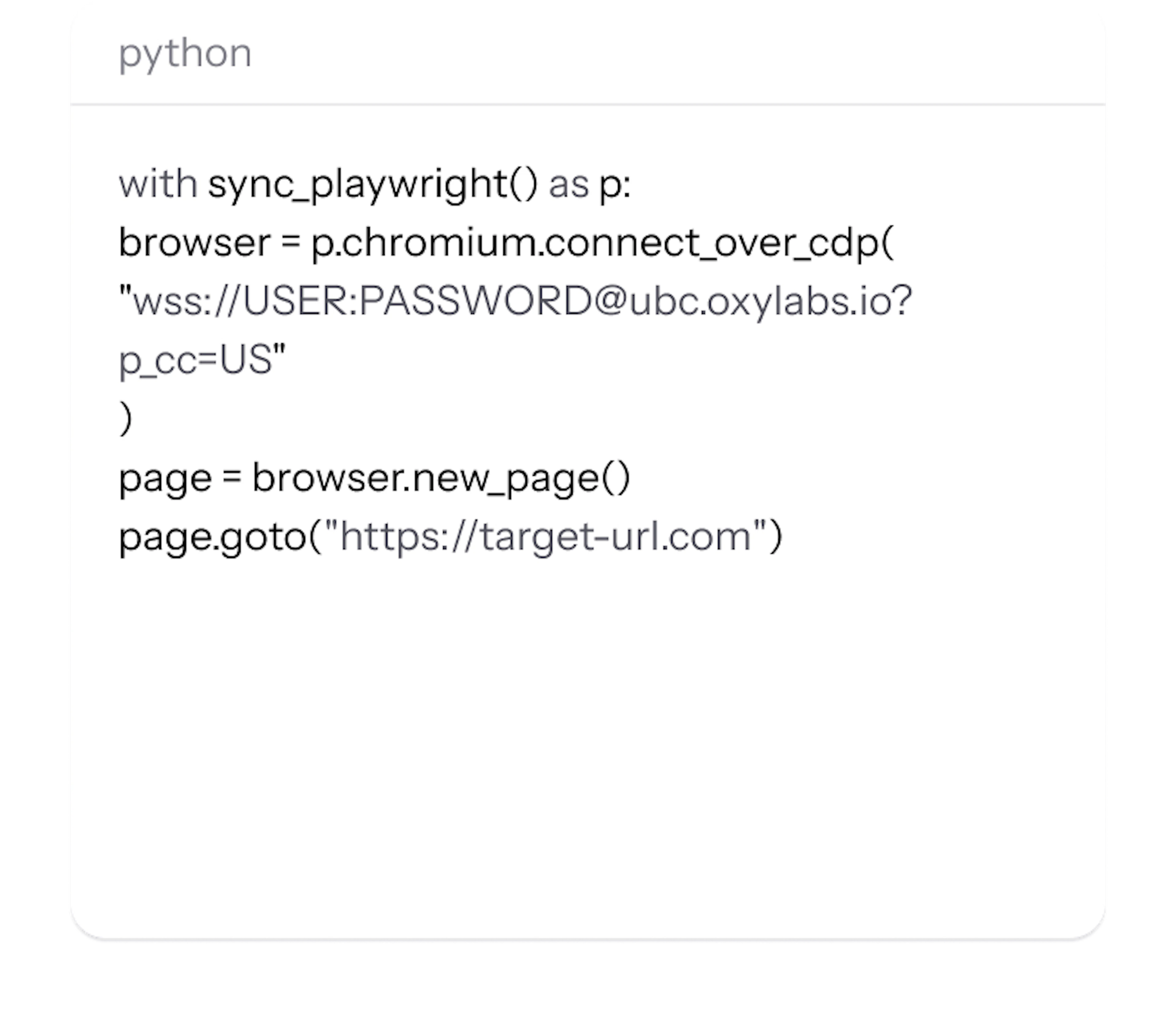
3. Start building
AI agent generates the code for you.
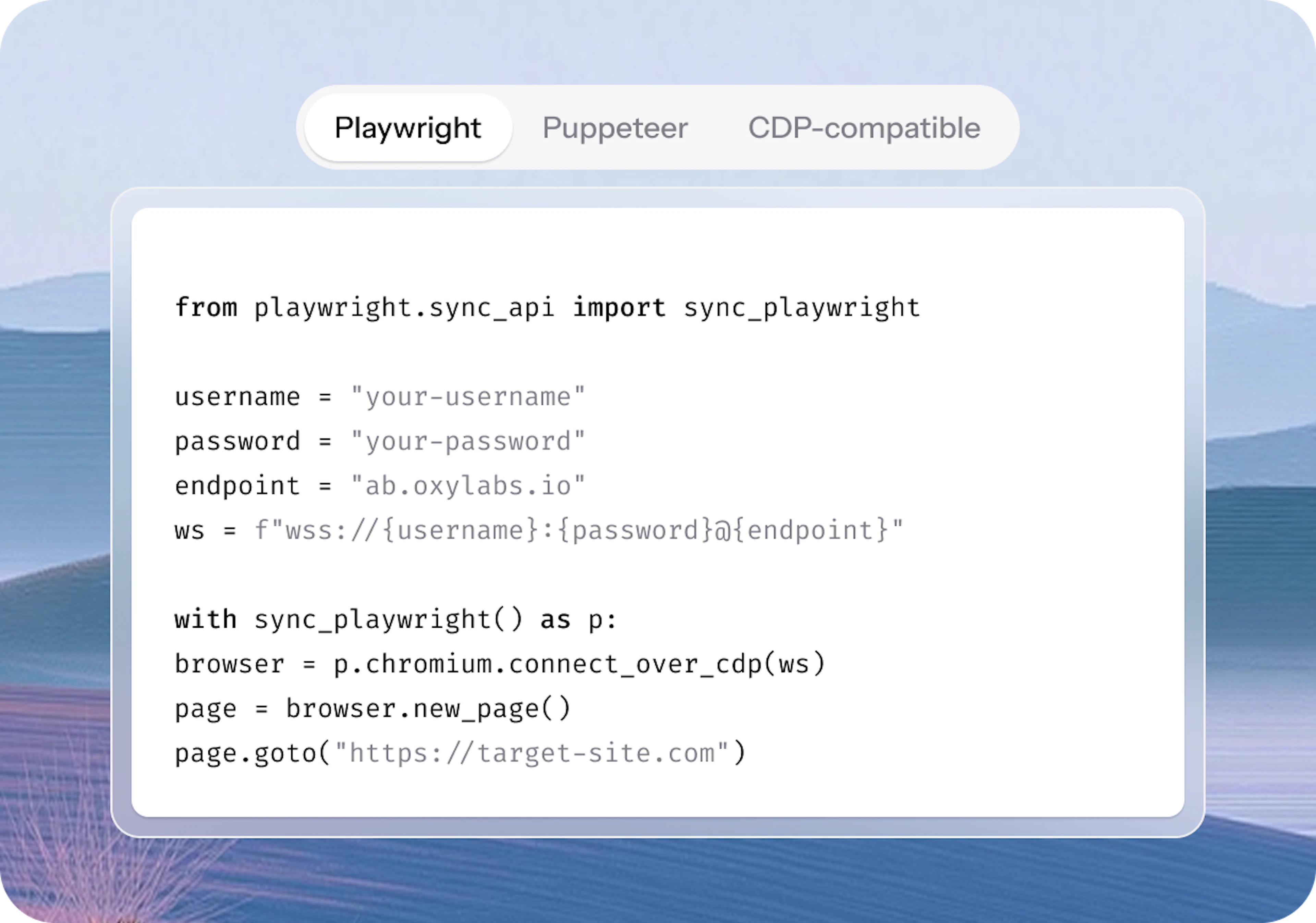
Agent Browser is a scalable engine for scraping and automation – built for humans and AI agents alike.
Browser: Chromium
Libraries: Playwright, Puppeteer & CDP-compatible tools
AI control: support for MCP on Claude Desktop, Cursor, and other MCP clients
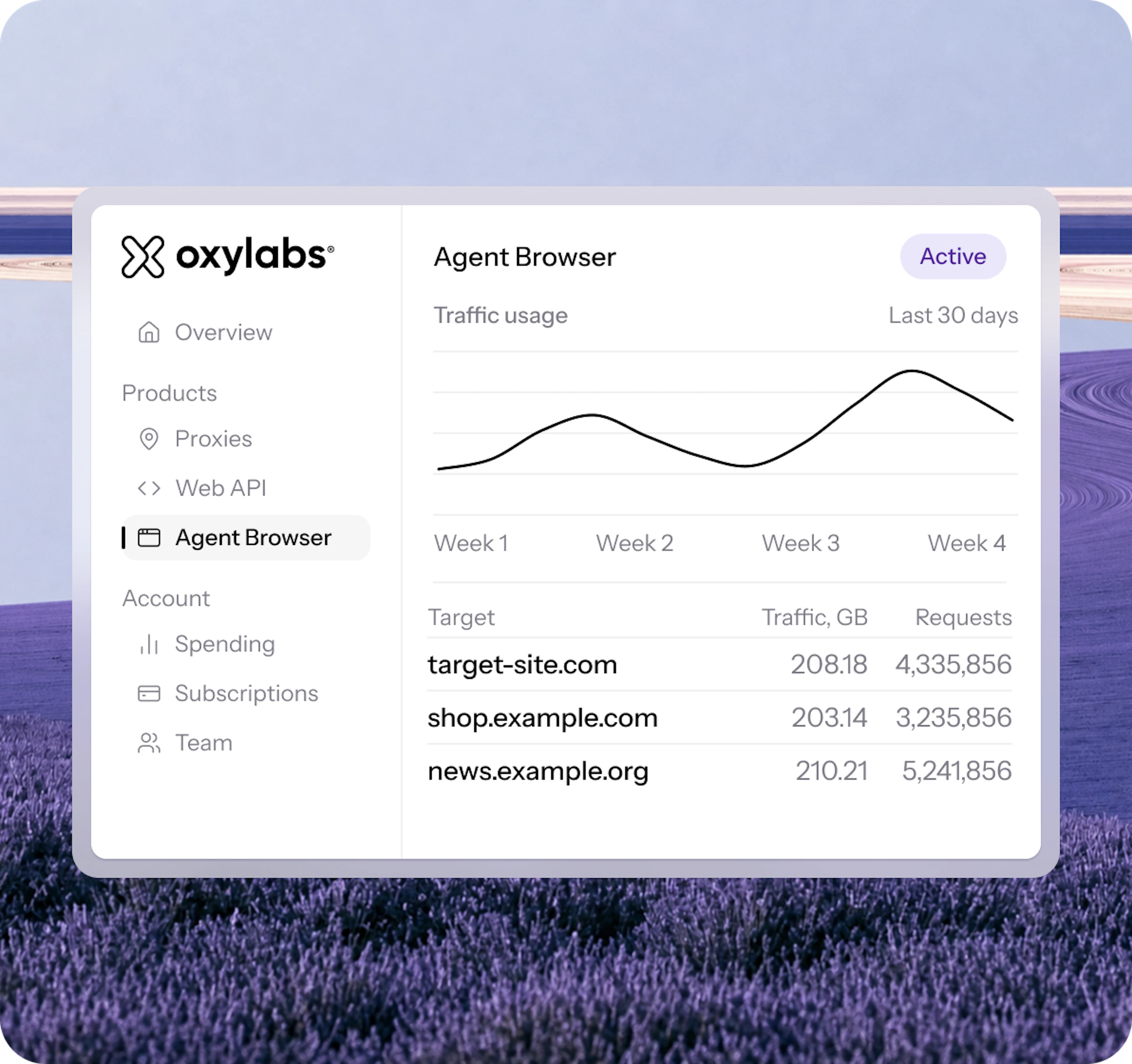
Monitor your Agent Browser operations with precise statistics directly in your Oxylabs dashboard or track usage data with your internal reporting tools automatically through our Dashboard API.
Monitor traffic usage by target
Track request counts data
Feed metrics directly into AI tools
Headless browser web scraping is a method of extracting data from websites using a browser that runs without a visible user interface. This approach is widely used for automated web scraping and data scraping tasks that require a standard web browser environment. It can load JavaScript, interact with pages, click buttons, fill out input boxes, and emulate browser behavior, including form submissions. This makes it useful for scraping dynamic or protected websites. Headless browsers can also wait for elements to load, render images and other media, and execute JavaScript and CSS just like a normal browser.
Oxylabs’ Agent Browser is a remote browsing solution with built-in browser automation features and proxy integration. Unlike regular headless browsers, it’s pre-patched for access optimization, hosted on our infrastructure, requires no setup, and leverages our 175M+ Residential Proxy network. Our Headless Browser supports scalable automation via Chromium and tools like Puppeteer or AI systems.
A headless browser is a perfect solution for web scraping projects that require browser scalability, reliable access, and browser automation. We recommend using headless browser scraper for sites with dynamic content or heavy JavaScript, but for simple, static sites, traditional HTML scraping is more efficient. Headless browsers are particularly useful when JavaScript rendering is required to access structured data generated dynamically on modern web applications.
There are various options available depending on your use case and familiarity with certain software. To dive deeper into the topic, read our blog post on what is headless browser.
Oxylabs’ Agent Browser works with any library that supports the Chrome DevTools Protocol (CDP). This includes:
Playwright (supports browser automation and testing)
Puppeteer (supports browser automation and testing)
Other CDP-compatible automation frameworks
Oxylabs’ Agent Browser integrates with Model Context Protocol (MCP) to enable AI systems like Claude to control browsers directly. This allows AI assistants in applications like Claude Desktop and Cursor to perform web navigation, web scraping, and automation tasks using our remote browser infrastructure with built-in access optimization features.
You can try adjusting some settings in your regular browser to improve website access and performance. For example, make sure JavaScript is enabled, review overly strict privacy or tracking protection settings, allow cookies, and clear your cache regularly. These small adjustments can sometimes help resolve simple access issues, such as when a page isn’t loading correctly or a feature isn’t working as expected.
For more advanced use cases, such as websites with complex access requirements, Oxylabs’ Agent Browser is a strong option. It provides a standard browser environment while helping maintain reliable access, including CAPTCHA handling, browser parameter configuration, and seamless integration with automation tools like Playwright, Puppeteer, or AI-driven workflows through Model Context Protocol (MCP).
There are a few steps you can take to improve connection. Rotating your IP address helps prevent sites from recognizing repeated visits.
Sending requests at a controlled pace helps maintain stable performance and reduces the risk of interruptions.
IP filtering is a common method used by websites to monitor web scraping, so using rotating proxies can help maintain access.
Clearing cookies and cache removes tracking data that might flag your activity.
Using a headless browser with advanced browser automation settings can help improve access reliability.
For more advanced cases, Oxylabs’ Agent Browser combines all of these techniques with proxy support and CAPTCHA management, giving you a more reliable and scalable solution.
If you prefer a manual setup, you can configure your browser to use proxies directly. For example, setting up a proxy in Firefox lets you route your traffic through different IP addresses, helping you maintain access not matter the location or repeated requests. If you use Chrome, the Chrome Proxy Extension provides a simpler, click-to-connect way to manage and switch between proxies without digging into browser settings.
Oxylabs’ Agent Browser ensures uninterrupted access to data when a page loads. Whether they appear when a page loads, in a popup, or after a form submission, the browser seamlessly handles them in the background. Some CAPTCHAs may take slightly longer to solve, but rest assured the entire infrastructure management is take care of.
Unlike Playwright, Puppeteer, or competitor APIs, Oxylabs’ Agent Browser offers advanced browser automation capabilities in every plan, straightforward pricing with no hidden fees, and no extra costs for premium domains, proxies or browser hours. For a more detailed comparison, check out an article in our help center.
Headless browsers can render HTML, CSS, JavaScript, and load images and other media just like a normal browser, but without a graphical interface. They can fully load and interact with web pages, execute JavaScript, and simulate user interactions such as clicks, typing into input boxes, and form submissions. You can use automation tools to wait for elements to appear, interact with search boxes or form fields, and extract data after dynamic content loads. Behind the scenes, headless browsers rely on standard web technologies and often combine HTML parsing with automated browser interactions to collect structured data efficiently.
To optimize your access to web data, limit the number of requests you send, rotate your IP addresses, and use proxies. Request frequency and IP filtering are common factors in connection management. For best results, we recommend using rotating proxies and slowing down your scraping.